PicsArt vs Photoshop – Comprehensive Editing App Comparison
If you want to do photo editing, you probably wondered, PicsArt vs Photoshop which one should you choose? Both apps are powerful, but they important in different needs. PicsArt is perfect for creators and influencers who want quick, creative results.
It offers AI tools, background removal, and a playful interface for social media content. Meanwhile, Photoshop is a professional powerhouse designed for precision layer editing, and high end image manipulation. In this article, we’ll explore their differences, features, workflows, and help you decide which app fits your creative goals best.
Overview of PicsArt – Features, Tools & Editing Capabilities
PicsArt is a mobile first photo editor with an intuitive interface designed for rapid creativity. It includes stickers, artistic brushes, clone tools, and background removal options, making it ideal for influencers, students, and casual creators. Its simple yet powerful tools allow you to edit photos, design graphics, and enhance social media posts in minutes. With AI driven filters and templates, someone can experiment freely without feeling any issue. Whether you are creating memes, Instagram posts, or visual stories, PicsArt gives you a flexible and playful editing experience.
Overview of Photoshop – Features, Tools & Editing Capabilities
Photoshop is the good for professionals who need perfect control. With layer based editing, non destructive workflows, and advanced manipulation tools, it excels at creating complex visuals for print, advertising, and branding. Its integration with Adobe Creative Cloud allows syncing across devices, shared libraries, and collaborative editing.
While the learning the depth and precision of Photoshop make it indispensable for photographers, designers, and marketers who demand accuracy and customization in every project.
PicsArt vs Photoshop Comparison
Interface & User Experience Comparison
PicsArt offers a smooth and friendly interface optimized for mobile. Navigation feels intuitive, and tools are clearly labeled for quick access. Beginners can apply filters, crop images, or create collages without much effort.
Photoshop, in contrast, is a professional workspace. The interface is packed with panels, layers, and advanced tools like perspective warp and 3D editing. It requires time to master but delivers unmatched control and reliability for detailed edits. Experienced users find it precise, while newcomers may need tutorials to get started.
Editing Tools & Features Comparison
PicsArt is good with creative effects, AI filters, and dynamic artistic brushes. Features like one tap background removal and stickers are perfect for fast, social-media-ready edits.
Photoshop provides advanced capabilities, including layering, masking, clone tools, content aware fill, and advanced selection tools. It is ideal for projects where precision and customization are crucial. While PicsArt is fast and fun, Photoshop is unparalleled in professional-grade editing.
Workflow & Integration Comparison
PicsArt focuses on simplicity and speed. Its workflow is straightforward, allowing you to save edits or instantly share on platforms like Instagram and Facebook.
Photoshop is in structured workflows. Integrated with Adobe Creative Cloud, it supports syncing projects, collaborative edits, and asset management. Professionals working on large-scale projects benefit from its advanced export and integration options.
Mobile vs Desktop Capabilities
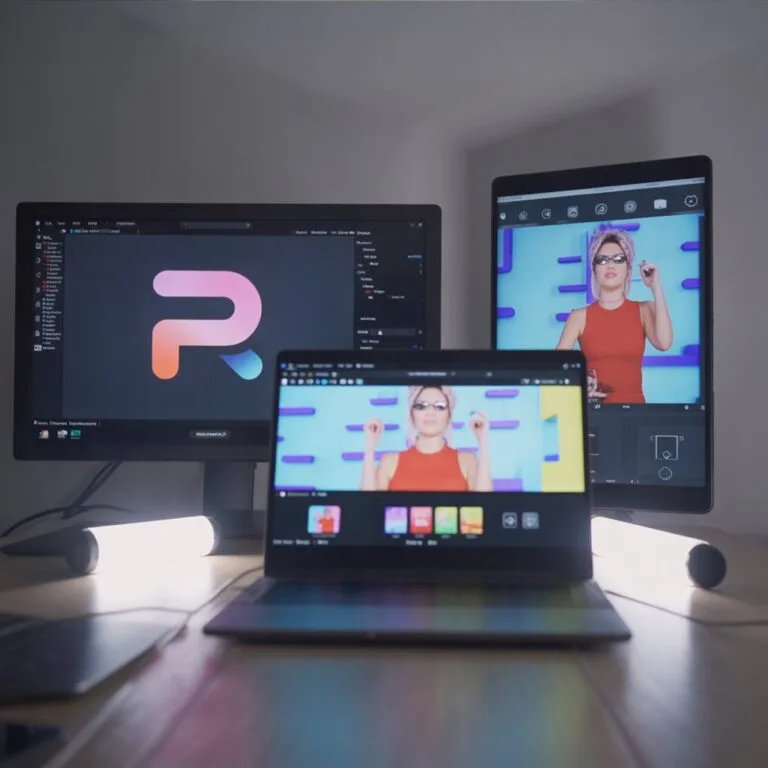
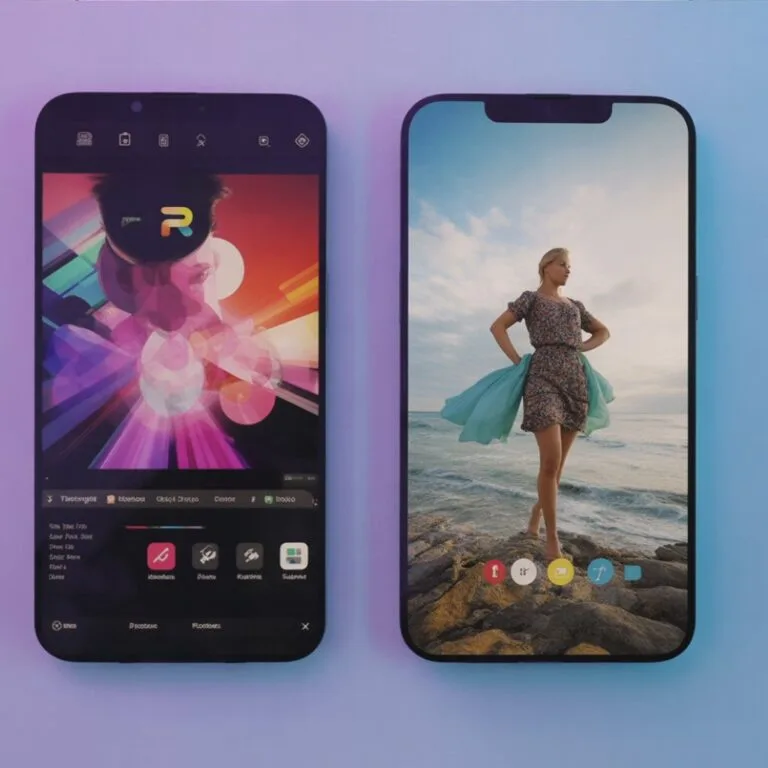
PicsArt dominates in mobile editing. Optimized for smartphones and tablets, it supports touch gestures, fast adjustments, and on-the-go creativity.
Photoshop remains strongest on desktop. While mobile versions exist, professionals rely on PCs or Macs for handling heavy layers, batch processing, and print-ready graphics. For high volume, professional-grade editing, Photoshop is still the top choice.
Feature Comparison
| Feature | PicsArt | Photoshop |
| Platform Support | Mobile, Web | Desktop, Mobile |
| Best For | Creators, Influencers | Designers, Photographers |
| Subscription Model | Freemium + Premium | Paid Adobe CC Subscription |
| Integration | Social Media | Adobe Creative Cloud |
| Interface | User-Friendly | Professional, Complex |
PicsArt uses with optional Gold upgrades, offering HD export, exclusive filters, and watermark free edits. Photoshop requires an Adobe Creative Cloud subscription, which is less in cost but includes access to apps like Lightroom and Illustrator, making it more suitable for professionals.
PicsArt vs Photoshop: Which App is Easier for Beginners?
PicsArt is intuitive and quick to learn for beginners. Its AI guided tools help you apply filters, crop, or edit images effortlessly.
Photoshop has a some learning curve with panels, and complex tools. However, tutorials and in the app make mastering and possible.
PicsArt vs Photoshop: Final Verdict & Recommended App
Choosing between PicsArt vs Photoshop is not about better or worse it is about your needs.
- Pick PicsArt: if you want speed, mobility, and creative freedom for social media, memes, or casual editing.
- Choose Photoshop: if you need advanced tools, and professional workflows for branding, print, or commercial work.
Both apps are powerful.