
PicsArt vs Snapseed: Which Photo Editing App Wins?
When it comes to mobile photo editing, choosing the right app can be tricky. PicsArt vs Snapseed is a comparison that pops up often because both apps offer powerful tools but in very different ways. If you love playful edits, stickers, and social sharing, PicsArt might be your go-to.
But if you prefer precision, RAW file editing, and clean results, Snapseed could be the winner. Let’s dive into a detailed comparison to help you decide which app suits your needs.
Overview – Features, Tools & Capabilities
PicsArt has been around since 2011 and quickly became one of the most popular mobile photo editors. It’s a vibrant, fun space where you can create collages, add text, doodle, remix images, and explore endless filters. Its AI-powered tools enhance photos, and the social community allows you to share creations instantly. For advanced edits, PicsArt MOD APK unlocks features like the background remover and clone tools, making it ideal for influencers, students, or casual creators who want fast, creative results.
On the other hand, Snapseed, developed by Nik Software and later acquired by Google, focuses on high-quality, precise editing. Its non-destructive workflow ensures your photos never lose quality, even after multiple edits. Snapseed supports RAW files, selective adjustments, healing tools, and curves, making it a favorite among professional photographers. While it lacks social features, its powerful editing tools provide full control over every pixel.
PicsArt vs Snapseed: Key Features Compared
PicsArt shines in versatility. You can add stickers, text overlays, backgrounds, and creative effects in minutes. Features like chroma key, layering, doodling, and templates let you explore endless creative possibilities. Its active community encourages sharing and remixing, making it perfect for social media storytellers.
Snapseed, however, is all about precision. With tools like selective adjustments, healing, and RAW file support, you can make exact changes without affecting the rest of your image. It’s ideal for professional-grade edits where clarity and control matter most. While it doesn’t offer fun templates or collage options, Snapseed’s minimalist approach ensures your edits look clean and professional.
PicsArt vs Snapseed: User Interface & Experience
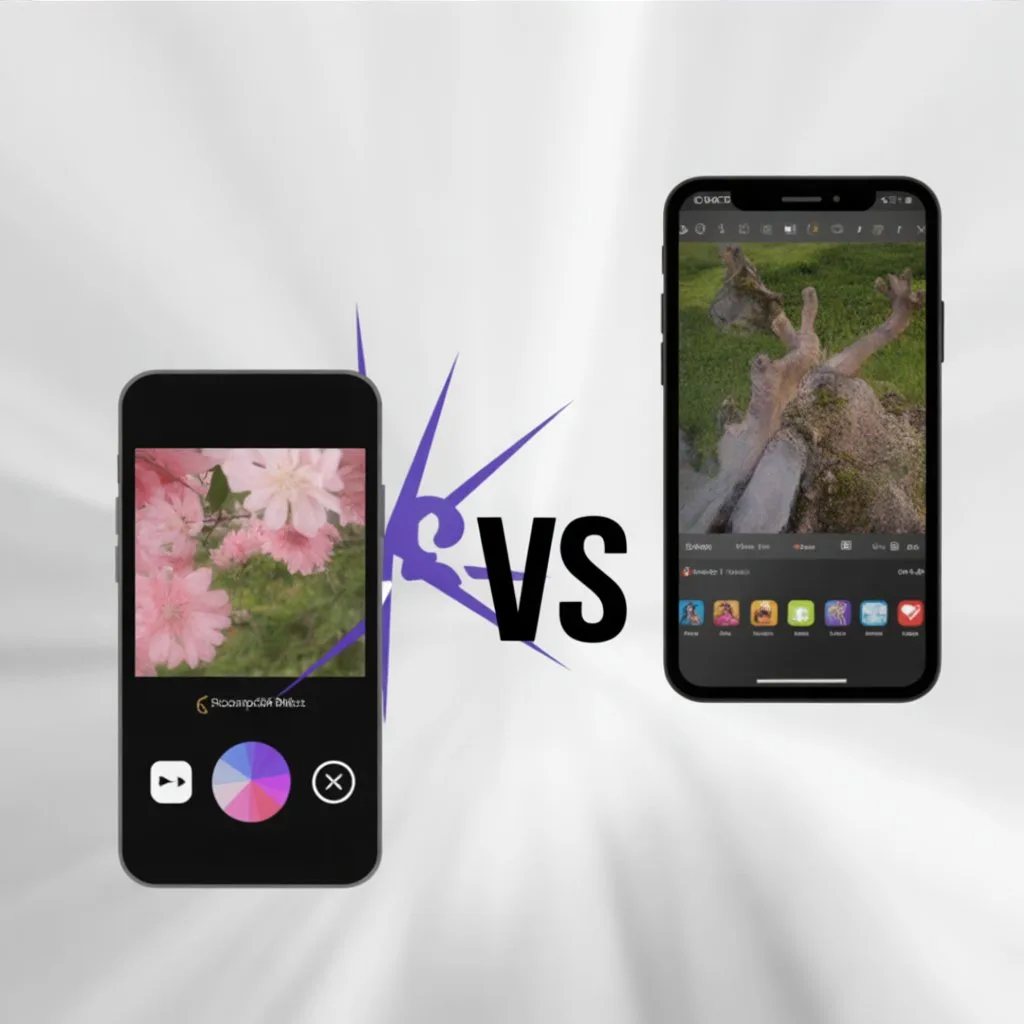
The first thing you notice is how different the apps feel. PicsArt offers a colorful, feature-rich interface. Everything—from sliders and tabs to icons—is designed for creative exploration. It might feel overwhelming at first, but once you get the hang of it, the full-screen workspace makes designing, drawing, and remixing a breeze.
Snapseed keeps it simple. Its clean, minimalist design focuses on speed and efficiency. Most tools require only a few taps, and the interface feels uncluttered. While it’s less playful than PicsArt, this simplicity is perfect for those who want professional edits without distractions.
PicsArt vs Snapseed: Which App Should You Choose?
If your goal is social media content creation, memes, or fun photo stories, PicsArt is the clear winner. Its playful tools, text overlays, and collage options make designing engaging posts effortless. You can even use it on desktop via Linux or web versions for added flexibility.
If you need precision and professional quality, Snapseed takes the crown. Its ability to edit RAW photos, isolate objects with selective adjustments, and apply subtle enhancements makes it perfect for photographers or anyone who wants crisp, high-quality edits. Essentially, it’s a choice between creativity vs precision.


Snapseed Background Sky Editing – Tips & Techniques
Editing skies in Snapseed requires a bit of finesse. Use the selective tool to adjust brightness, contrast, or color. While Snapseed doesn’t offer automated sky replacement, you can simulate stunning effects with careful brush edits. Highlight bright areas or blur backgrounds subtly to create dreamy atmospheres. This approach works best when you want a natural, professional-looking finish.
PicsArt vs Snapseed: Conclusion & Recommended App
When comparing PicsArt vs Snapseed, there’s no one-size-fits-all answer. PicsArt wins for fun, social, and creative editing. Snapseed excels for clean, precise, and professional photo enhancement. The right choice depends on your goals:
- Choose PicsArt if you want freedom, playful edits, and social media-ready content.
- Choose Snapseed if you value quality, control, and professional-grade precision.
For the best experience, you might even use both—PicsArt for creativity and Snapseed for finishing touches.